A short story · Chapter 1
Where the light remained
Tap any word. Press and drag across words to select a phrase.
, . .
SelectableNewLearningKnown
 langfella
Language learning through reading
Bring an article, story, EPUB, transcript, or your own text. Tap words and phrases for meaning, save what matters, and meet it again in context when it is time to review.
Already on mobile? Add the web app to your home screen for a focused, app-like reading experience.
The path by the river
Al caer la tarde, Lucía siguió el sendero que bordeaba el río. Cada palabra nueva parecía una pequeña luz entre los árboles.
ReadNoticeRemember
Bring your own reading.Learn from what already holds your attention.
Understand in context.Look up any word or selected phrase without leaving the page.
Remember what matters.Carry real encounters into a gentler review rhythm.
Try a small encounter
Every word is selectable. Saved vocabulary gains the same familiarity markings used in the app, while drag selection keeps phrases inside the reader.
A short story · Chapter 1
Tap any word. Press and drag across words to select a phrase.
, . .
From page to memory
Langfella does not replace real content with another lesson track. It helps you move through what you already want to understand.
See the complete workflowGive each language its own focused library, vocabulary, and review rhythm.
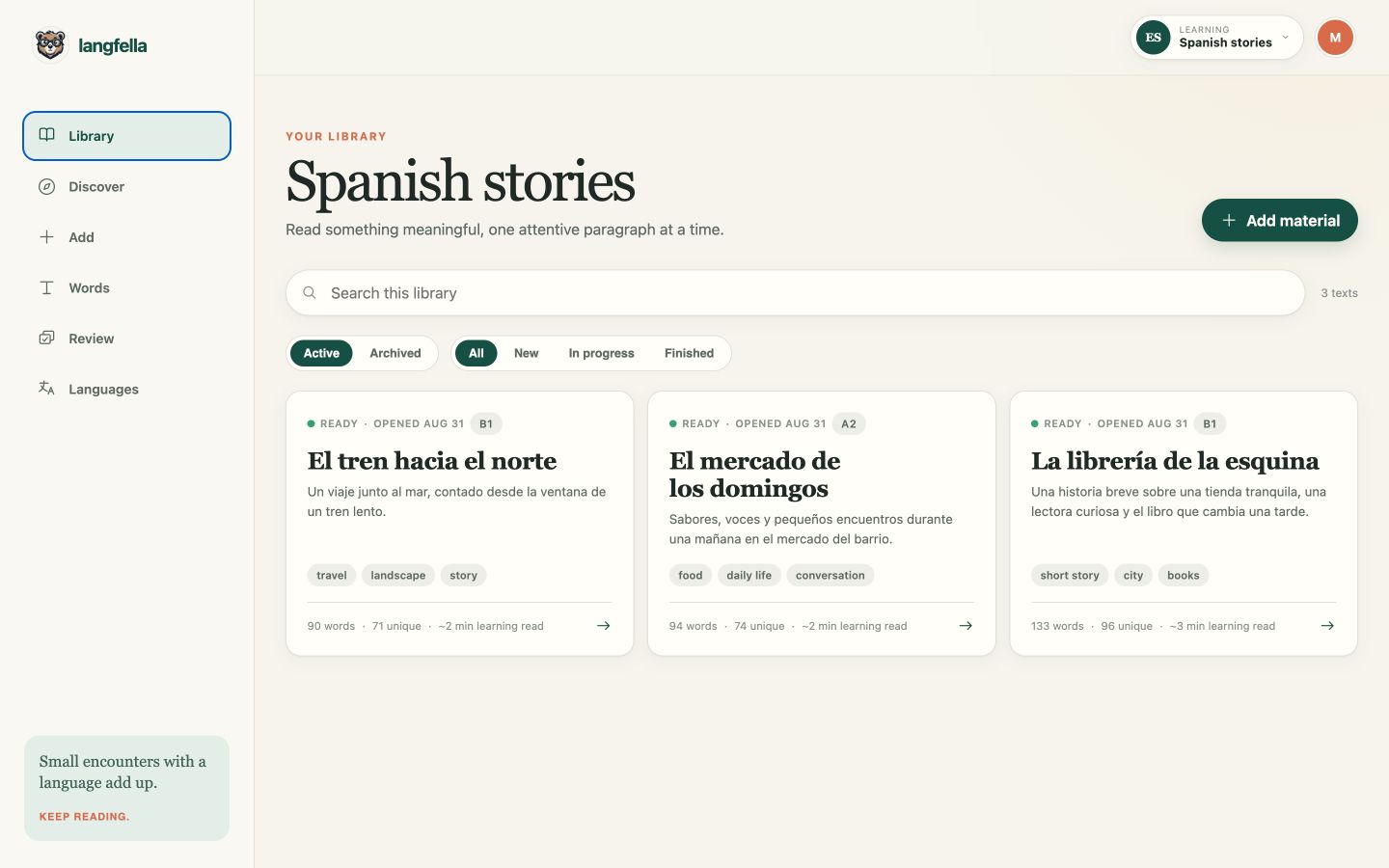
Paste text, import an article, upload an EPUB, or choose from the shared library.
Tap a word, select a phrase, listen, compare meanings, and save only what matters.
Review at-risk words while their original sentence and source stay close.
One connected experience
Import a long-form book or a two-minute article. Langfella remembers where you stopped and keeps finished material connected to its vocabulary.
Select a word or phrase, compare meanings, listen, save it, then close the panel and continue.

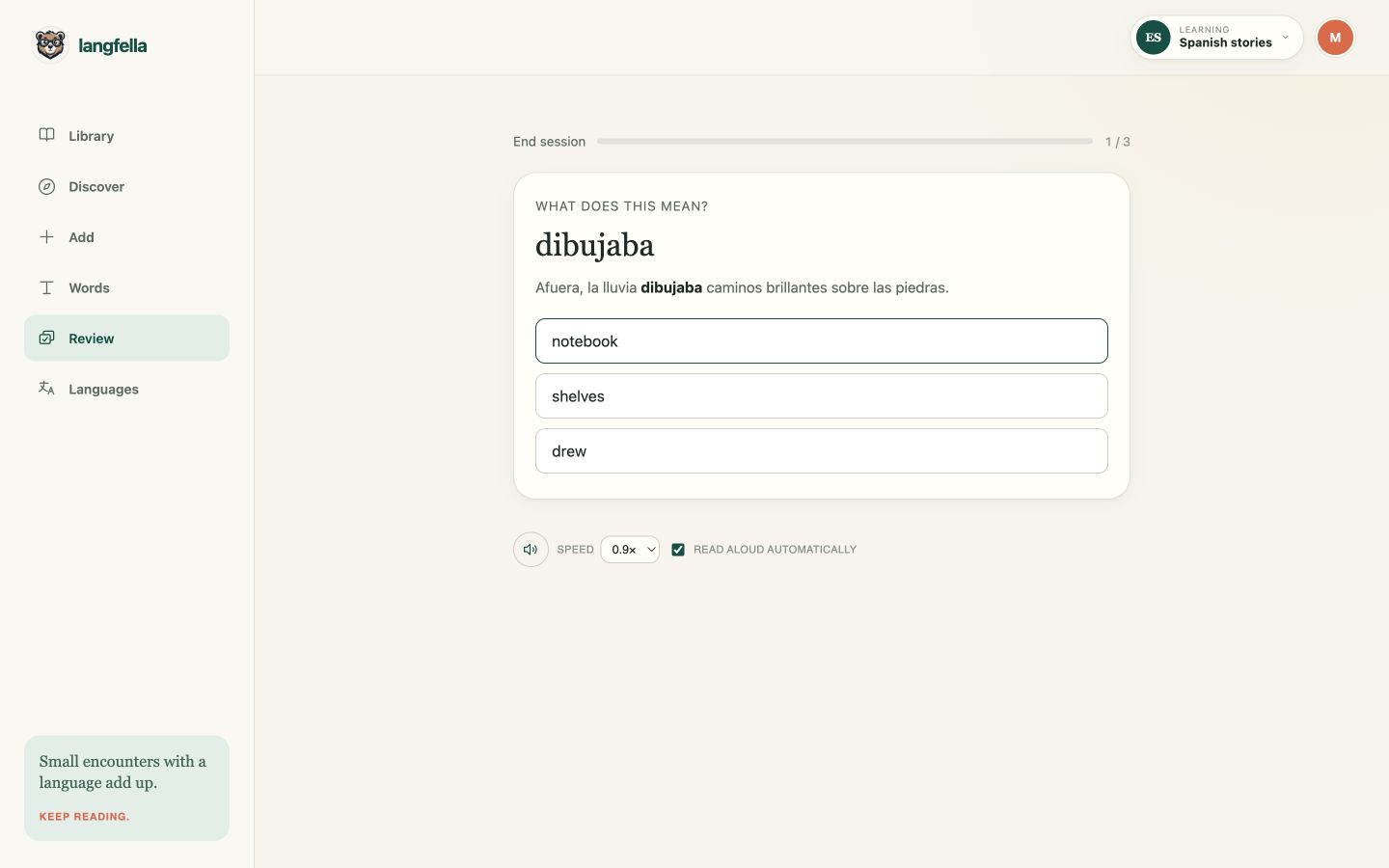
Saved vocabulary becomes a lightweight review queue. Misses return sooner; truly solid words can retire.
Why it makes a difference
Langfella sits between reading and review, preserving the context that separate readers, translators, and flashcard tools usually lose.
Where it fits in your learning journeyUse the stories, books, articles, and transcripts that already give you a reason to keep going.
The selected meaning, original sentence, source, notes, and encounter count stay connected.
Recognition and production exercises return to vocabulary you actually met, starting with what is most at risk.
Add the web app to your home screen. The interface supports English, Turkish, Spanish, Arabic, and Russian, including right-to-left layout.
Questions, answered plainly
Langfella is a reading companion and vocabulary system—not a promise that one tool does all of language learning.
It is for learners who know some of a language and want more time with meaningful text. Beginners can start with level-appropriate material; experienced learners can import the books, articles, and transcripts they would choose anyway.
Paste text, import the readable part of a URL, upload an EPUB, choose from the moderated shared library, or bring structured material from an AI assistant you already use.
Saved words and phrases join a review schedule. Due items come first, new vocabulary enters gradually, and recognition and production exercises bring difficult items back sooner.
No. It complements lessons, conversation, listening, and grammar study by making reading easier to sustain and keeping vocabulary connected to its source.
Yes. Add the installable web app to your home screen from a supported browser for a focused, app-like experience. Native iOS and Android store listings are planned.
Your next page can teach you something
Start with a short article, a story, or a book you have been meaning to open.
